

Directions to Leave Mailing List
- Navigate to the following or follow link
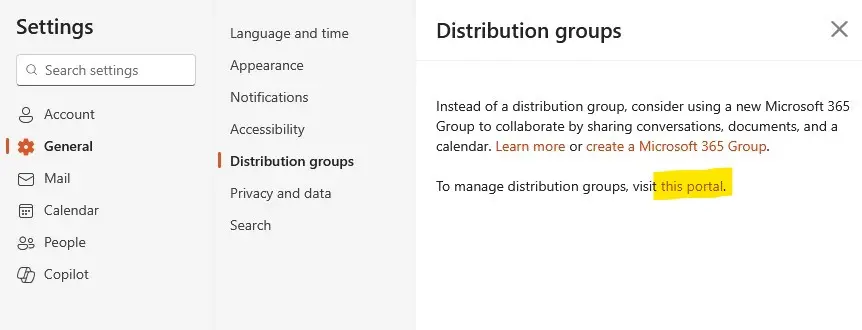
- Outlook website > Settings > General > Distribution Groups > Portal
- Select Portal
- Under Groups I belong To, select the list you'd like to leave
- Join switches to Leave
-
Image

-
ImageClick Leave.
- You will be asked if "Are you sure you want to leave the group?"
- Click CONFIRM if you'd like to leave